Editorial Sign In — Version 2.7.0
Use the journal’s dedicated Editorial Login URL when you are assigned as an Editor, Section Editor, Managing Editor, Editor-in-Chief or Journal Administrator. The page heading is Editorial Sign In. The journal may hide the footer link without disabling the URL.
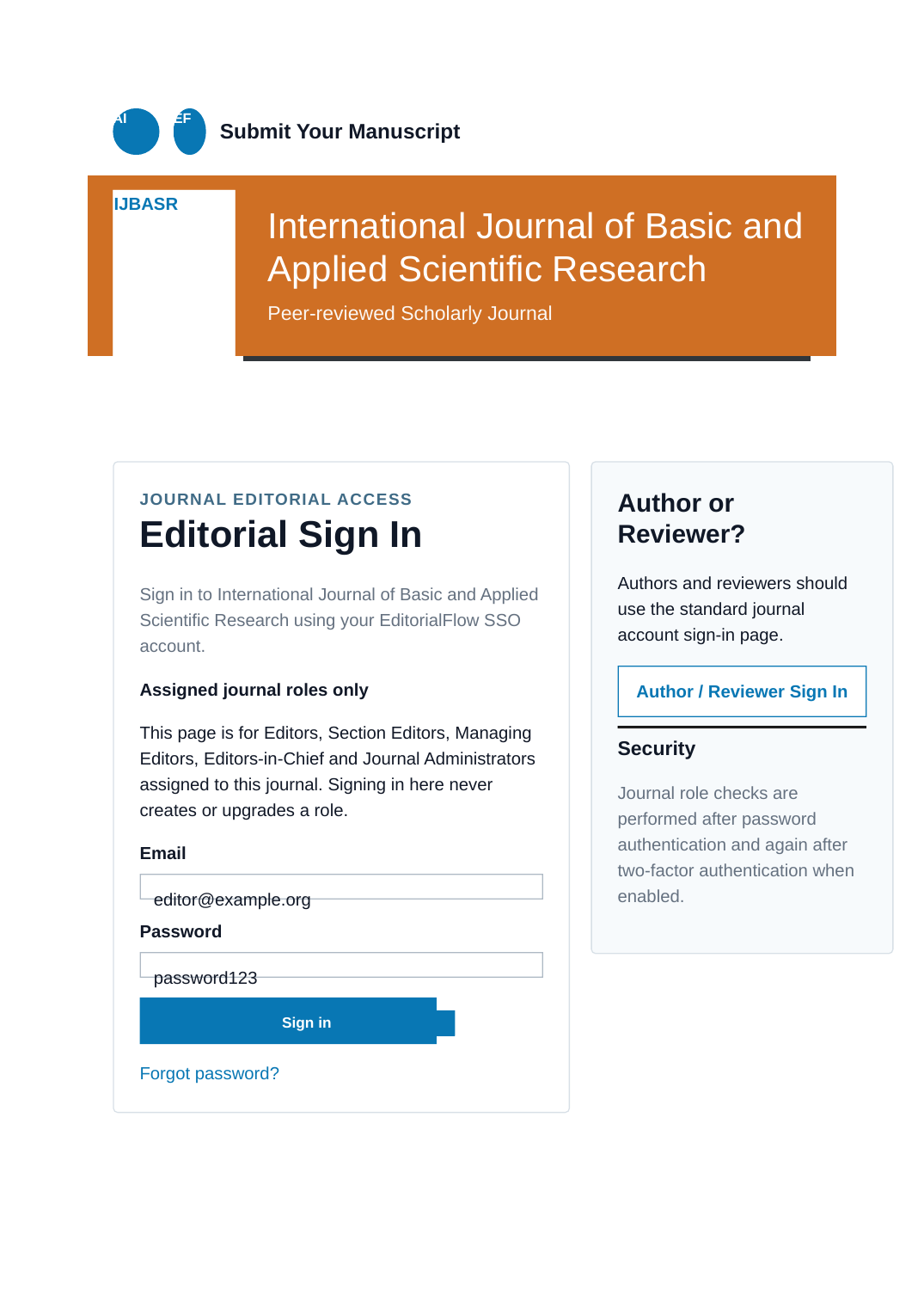
Sign-in link in editorial emails
Editorial workflow notifications automatically include the journal’s Editorial Login URL below the configured email body. If the publisher uses a branded submission domain, the link uses that domain; otherwise it uses the normal platform journal URL. The link does not bypass journal role checks, verified-email rules or 2FA.
Editorial access
Editors work with their assigned manuscripts. Section editors and senior editorial roles have broader journal-level handling access in this application. Managing Editors, Editors-in-Chief and Journal Administrators can issue final decisions; the available actions also depend on manuscript state.
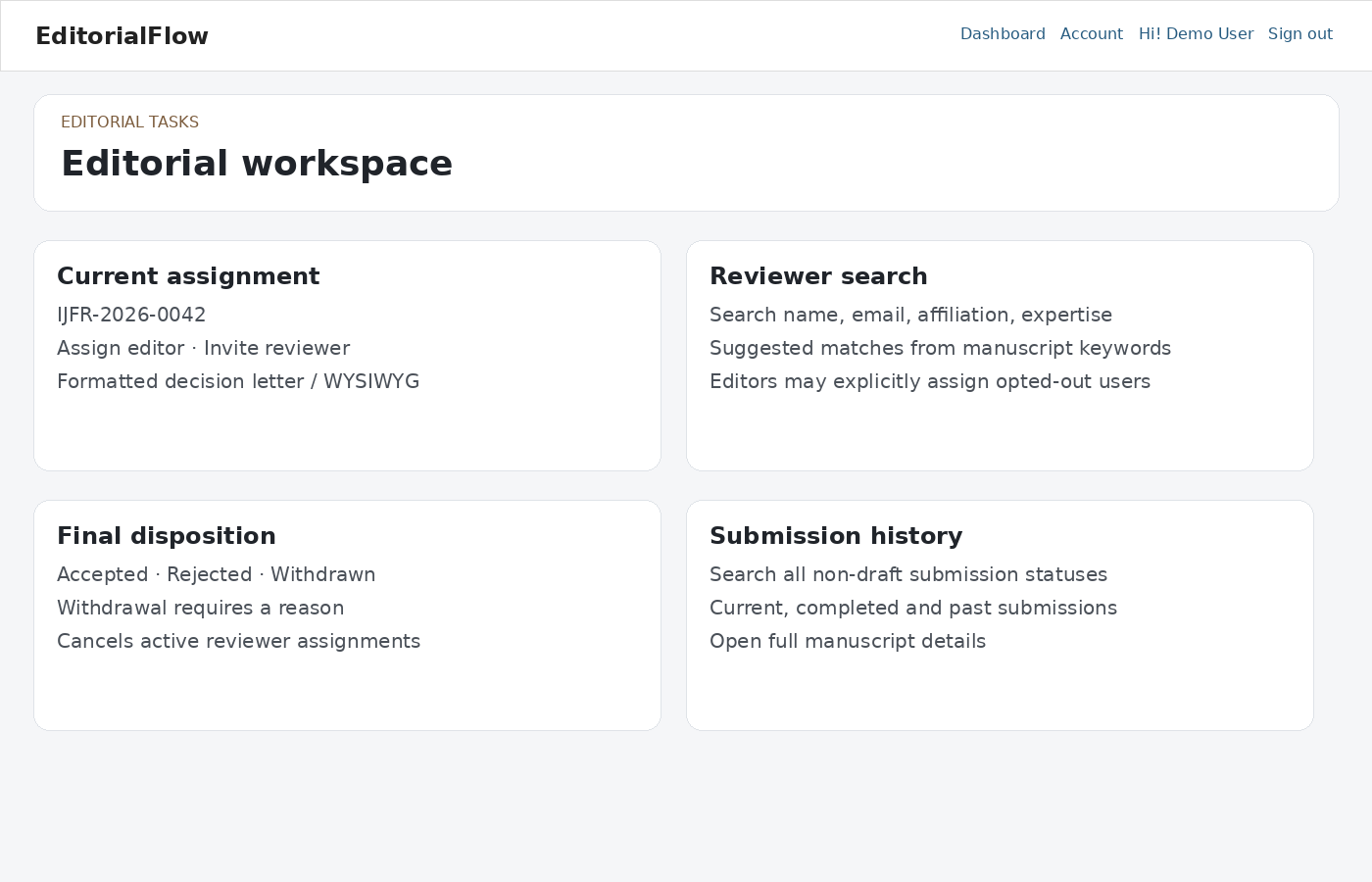
Editorial workflow order — Version 2.5.6
- Technical screening — managed by the Managing Editor / Editor-in-Chief.
- Editorial assessment — confirm scope/specialization and assign the appropriate Editor / Section Editor when required.
- Reviewer invitations.
- Review reports and the post-review editorial decision.
- Post-review payment when enabled.
- Copyright form when the journal requires it.
- Final disposition.
Technical screening
- Open the manuscript and inspect metadata, author details, declarations and files.
- If corrections are needed, use Return to Author with clear instructions. The author sees the request in the dashboard and manuscript record.
- After the author responds, reassess the files and complete the technical check. Complete Editorial assessment/routing before reviewer invitations.
Peer review
- Select suitable reviewers and check conflicts of interest. Set invitation and review deadlines.
- Monitor invitations, acceptances, declined invitations and overdue reviews. Alternate reviewers are not counted as completed required reviews.
- Read reviews for the current manuscript version. The required count must be met and outstanding invited/accepted assignments resolved before review completion.
- For a minor revision, completed reviews from the previous assessment may be used. Major revisions require fresh review for the revised version.
Assessment and revision
Prepare the editorial assessment and letter using the available templates. Explain required changes in actionable terms. Where approval is required, a senior editor approves the assessment. Provisional acceptance remains internal until the workflow allows the final decision.
Payment and final disposition
After completed peer review and the acceptance assessment, request the configured fee if enabled. Review the author’s reference and evidence. Verify payment, waive it where permitted, or revise the request using an existing or new option and an explanatory message. A revised payment request must be resolved before acceptance. Final acceptance requires technical clearance, completed reviews and verified/waived payment when enabled. Rejection follows its own review requirements.
Purpose Codes and publication metadata
Editorial Tasks displays a Purpose Code for manuscripts that entered through an active journal referral link. Use the adjacent help icon to read the journal administrator’s purpose description. The same information appears below the manuscript number.
Before final disposition, senior editorial users can download the current Publication Metadata XML, download the XSD, copy the XML, or securely re-import a corrected EditorialFlow XML file. Re-import affects publication metadata only and must match the current manuscript number.
Transfers and publication
Where publisher transfers are enabled, suggest an eligible journal and explain the reason. The author must accept and complete the destination requirements. After acceptance, maintain publication metadata when the article actually appears on the publishing website. Check article URLs and DOI values before sending publication notices.
Confidentiality
Use the correct audience for attachments and correspondence. Reviewer identities, internal notes and editorial files must not be copied into author-visible letters inadvertently.